
I Built a Personal AI Art Style in 7 Days Using Free Tools — Here's the Daily Practice Schedule
Quick take
Build a personal AI art style in 7 days with free tools like Leonardo.Ai, Canva, and ChatGPT. Learn prompt testing, negative prompts, style consistency, and portfolio curation.
Explore this topic
Article body
I Built a Personal AI Art Style in 7 Days Using Free Tools — Here's the Daily Practice Schedule
Here's the thing nobody tells you when you first start generating AI art: getting a beautiful image is easy. Getting your beautiful image — one that looks unmistakably like it came from you and not from a random prompt — is an entirely different skill.
I figured this out around Day 3 of experimenting with Leonardo.Ai. I'd made maybe forty images. Some of them were genuinely stunning. None of them looked related to each other. There was no thread. No signature. No way anyone could look at ten of my images and say "oh, that's theirs."
That bothered me. Because the artists I followed on Instagram who used AI — the ones with thousands of followers and actual commissions — had something I didn't. Their feeds looked intentional. Every image fit a world. When you saw one you knew what you were looking at.
That coherence is a style. And style, it turns out, is not random. It's built — deliberately, through specific choices, repeated consistently. Over seven days I figured out how to build one. This is the schedule I used, the prompts that worked, and the tools that cost nothing.
First: What "Having a Style" Actually Means
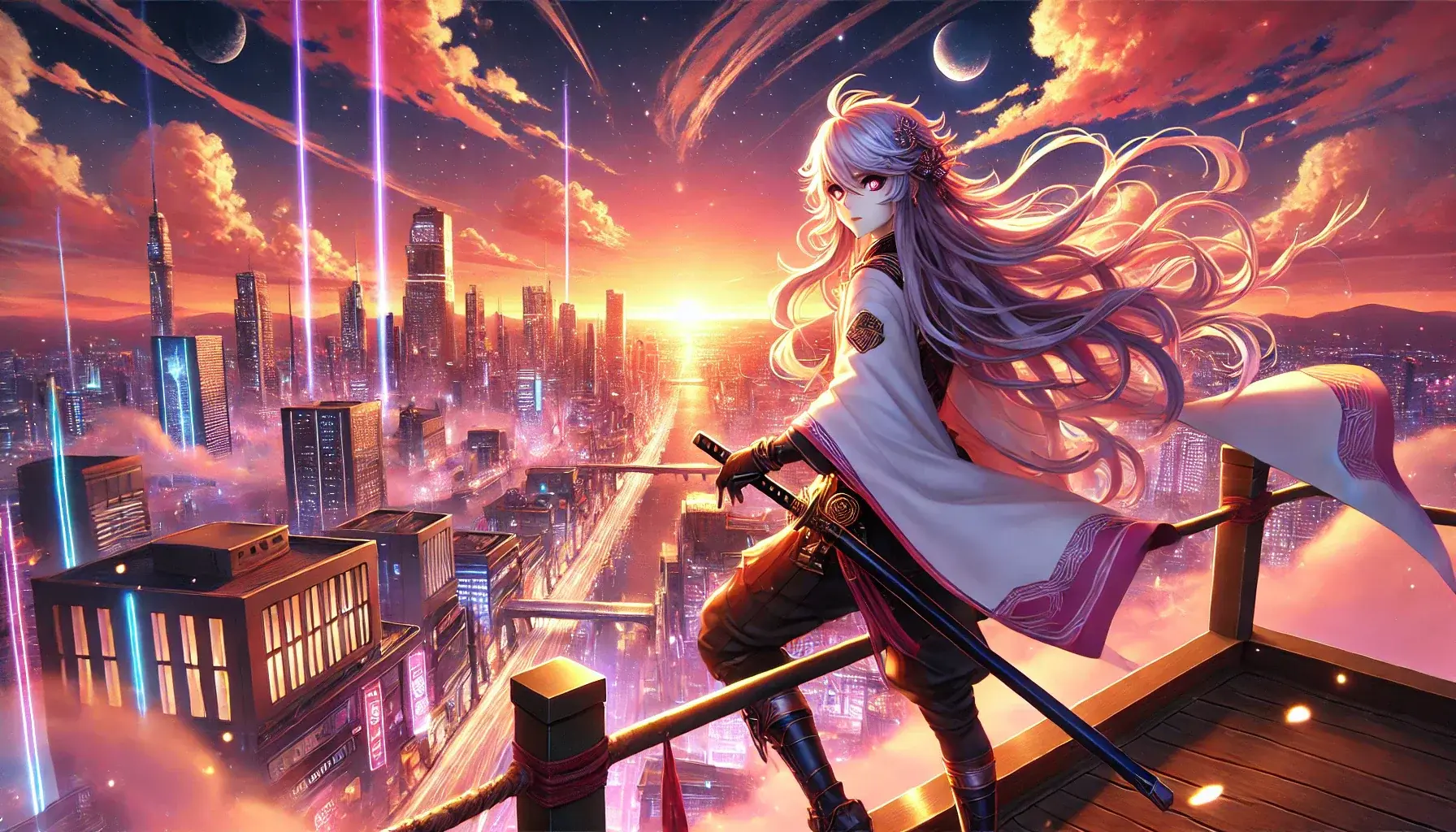
A style is three things that always appear together. Find your three.
A personal AI art style is made of three layers stacked on top of each other:
Aesthetic layer — what it looks like. Dark and moody? Pastel and soft? Hyper-detailed realism? Flat graphic? This is the first thing someone sees.
Subject layer — what you always draw. Characters? Landscapes? Architecture? Abstract? A consistent subject gives your style a world to live in.
Detail signature — the specific recurring element that appears in almost every image. A particular kind of light. A texture. A framing choice. This is the thing that makes your images feel like they belong in a set even when the subjects are different.
Most beginners only have an aesthetic layer. They pick "anime" or "dark fantasy" and generate a lot of images in that aesthetic. But without a consistent subject and a detail signature, the images still feel random. All three layers together is what makes a style.
Dark Ethereal
Deep blues, glowing elements, lone figures in vast spaces
Soft Manga
Pastel palette, detailed faces, watercolour textures, cherry blossoms
Cyberpunk Desi
Neon lights, Indian streetscapes, rain, traditional elements remixed
Bold Graphic
Flat colours, strong outlines, poster-style composition, high contrast
Cinematic Still
Film grain, muted tones, wide shots, storytelling through light
Fantasy Realism
Hyper-detailed, magical elements, dramatic skies, epic scale
Pick one direction from the grid above — or something adjacent to it — before Day 1. You'll refine it during the week, but you need a starting point or you'll spend seven days generating beautiful random images again.
The Free Tools You'll Need
Leonardo.Ai
Free tier: 150 tokens/day (~30 images). Best free AI image generator available. Has style presets and a fine-tuning option.
Microsoft Designer / Bing Image Creator
Free, unlimited (with Microsoft account). Powered by DALL-E. Good for quick experiments when you've used your Leonardo tokens.
Canva Free
Arrange your images into a cohesive portfolio grid. Add text overlays. Export for Instagram carousel or TeenIcon profile.
ChatGPT / Claude
Use it to refine and expand your prompts. Describe what you want, ask it to add style-specific language. Saves huge amounts of trial and error.
Before Day 1, create your Leonardo.Ai account at leonardo.ai — free, just an email. Explore the "Community Feed" for 10 minutes. Find 5 images that match the aesthetic direction you chose. Save them to a folder. These are your visual references for the week — not to copy, but to understand what kind of prompts produce what you want.
Don't generate anything today. I know that sounds counterintuitive, but it's the single most important day of the seven. Today you study the style you've chosen — really study it — so you can describe it precisely enough for an AI to replicate it.
Find 10 images online (Pinterest, ArtStation, DeviantArt) that match your chosen direction. For each image, write down three things: the dominant colours, the type of lighting, and one specific detail that makes it feel like that style. By the end of Day 1 you should be able to write a paragraph describing your style in words. That paragraph becomes your base prompt.
Day 1 output: A written "style brief" — 3-5 sentences describing your aesthetic, your subject, and your signature detail. Example: "Dark fantasy portrait style. Characters in dramatic three-quarter lighting with deep shadows. Colour palette: navy, teal, gold accents. Always one glowing element — an eye, a weapon, a spell. Fine detail in fabric textures. Painterly, not photorealistic."
This brief is what you'll paste into every prompt this week.
Today you generate your first set of images — 10 to 15 — using variations of your Day 1 style brief. The goal is not to make your best image. The goal is to find which prompt language reliably produces your aesthetic.
Start with your full brief as the prompt. Generate 3 images. Then remove one sentence and generate 3 more. Then swap one word for a synonym — "painterly" vs "oil painting" vs "illustrated." See which version moves toward your target and which moves away. You're doing controlled experiments, not random generation.
[colour palette], [signature detail], [style reference],
[quality modifiers]
// Example: "lone warrior in ancient ruins, dark fantasy,
// dramatic rim lighting, deep navy and gold palette,
// glowing runes on armour, concept art style,
// highly detailed, cinematic composition"
Day 2 output: Your "anchor prompt" — the one version that most reliably produces your style. Save this exact text. Every image for the rest of the week starts from this prompt and changes only the subject.
This is the day that matters most for proving you have a real style rather than a lucky prompt. Take your anchor prompt from Day 2. Change only the subject — 5 completely different subjects, same everything else. If your style is actually a style (not just a look for one specific subject), all 5 images should feel like they belong together.
Day 3 is the test: do five completely different subjects look like they belong to the same world?
[anchor prompt] subject: lone figure in a storm
[anchor prompt] subject: a lantern in the dark
[anchor prompt] subject: a crumbling library
[anchor prompt] subject: a face half in shadow
Look at the 5 images together. Do they look like they belong in the same world? If yes — you have a style. If they look unrelated — go back to your anchor prompt and tighten the colour palette or the lighting description until the thread is visible.
Day 3 output: Your first "series" — 5 images that look deliberately related. This is the content of your first portfolio post.
Every AI generator has a negative prompt field — where you describe what you don't want in the image. Most beginners ignore this. It's actually one of the most powerful tools for building a consistent style, because half of style is knowing what to exclude.
Look at your Day 3 images. What keeps appearing that you didn't want? A certain kind of face? A specific texture? A colour that keeps creeping in uninvited? Today you build your negative prompt list — the permanent exclusions that keep your style clean.
cartoonish, flat colours, low detail
Soft Manga: dark colours, harsh shadows, realistic skin,
photographic, 3D render, busy backgrounds
Cyberpunk Desi: nature, daylight, western settings,
historical, desaturated, low contrast
Day 4 output: Your saved negative prompt — 8-12 words you'll paste into every generation from now on. Add this to your anchor prompt document. Your images from today should look noticeably cleaner than Day 2.
This is the day the style becomes specifically yours, not just a variation of something anyone could generate. Today you apply your anchor prompt to subjects drawn from Indian culture, landscapes, and everyday life — things that appear almost nowhere in Western AI art training data, which means when you generate them, the results are genuinely unusual.
The AI will struggle slightly with some of these. That struggle is actually what produces interesting results — the collision between your aesthetic and a subject the AI hasn't seen a thousand times before creates images that look unexpected in the best way.
[anchor prompt] + "tea stall in rain, chai steam rising"
[anchor prompt] + "classical dancer mid-mudra, dramatic light"
[anchor prompt] + "rooftop at festival night, diyas everywhere"
[anchor prompt] + "auto rickshaw in flooded street, monsoon"
Day 5 output: 5 images that combine your aesthetic with distinctly Indian subjects. This is the combination that makes your portfolio stand out from every generic AI art account. Nobody else has your style applied to your subjects.
By now you have somewhere between 30 and 60 generated images across five days. Today you don't generate anything new. Today you curate.
From all your images, pick your best 9. Not the most impressive individually — the 9 that look best as a set. They should feel like they come from the same person, the same world, the same aesthetic. This is your portfolio grid.
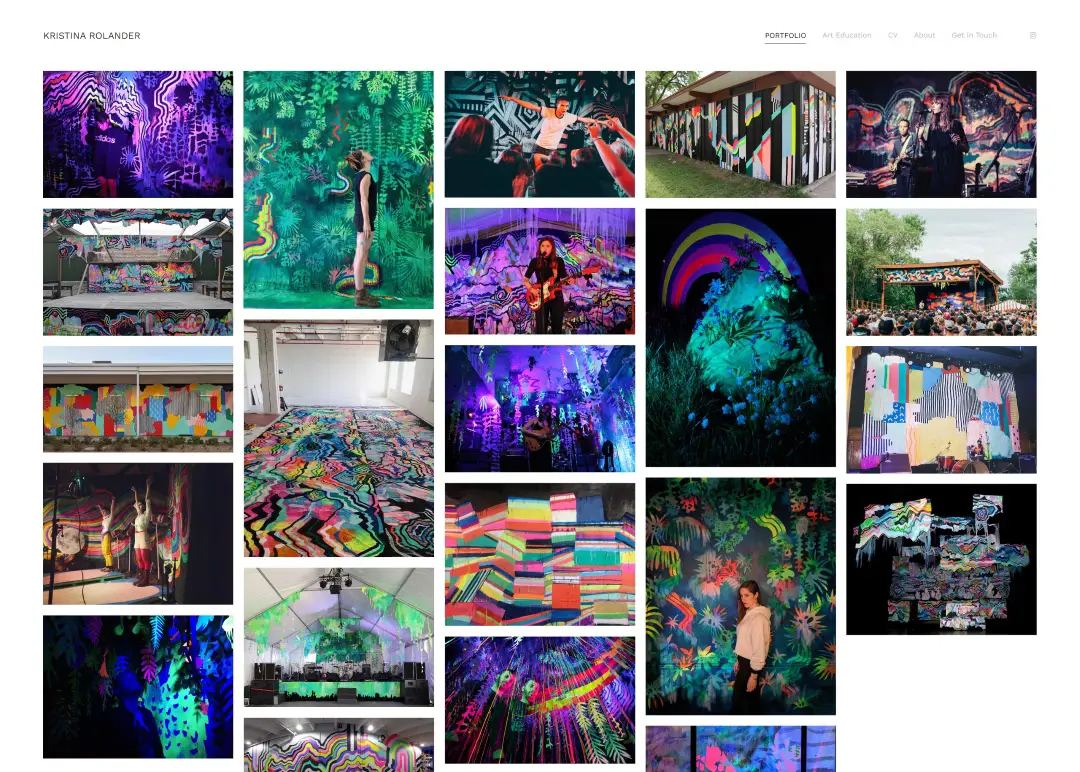
Nine images that feel like a world. That's a portfolio. That's a style.
How to arrange them in Canva: Open Canva Free. Search "3x3 Instagram grid." Drop your 9 images into the template. Look at the grid. Does it feel cohesive? If two images are fighting each other visually, swap one out. The goal is a scroll-stop first impression — someone sees your grid and immediately understands what you make.
Optional: Add your "style name" in small text on each image — a watermark that's your signature. Even if it's just your username or a single word that describes the aesthetic ("OMEN" or "DUSK" or "NEON HAVELI"). This turns individual images into a branded series.
Day 6 output: A 9-image portfolio grid exported from Canva. This is what you post on Day 7.
Today is the day the style goes public — but the more important thing that happens today is that you name it.
Naming your style sounds like a small thing. It isn't. A name gives the style an identity that exists outside any individual image. It tells people what to expect when they follow you. It makes you think of what you're making as a body of work rather than a collection of experiments. Every artist with a recognisable style has a name for it — even if it's only in their own head.
Your name doesn't have to be clever. It should describe the feeling of the work. "Neon Ruins." "Soft Dark." "Monsoon Fantasy." "Gold Dust." "Quiet Apocalypse." Two words, the aesthetic of the images, something that sounds like a world.
Built this aesthetic over 7 days using free AI tools.
More coming. Tell me which one is your favourite.
// Tag: #AIArt #DigitalArt #AIArtist #IndianArtist
// #[YourStyleName] #AIGenerated #TeenArtist
Day 7 output: Your portfolio posted. Your style named. Your prompt document saved for future use. And a clear answer to the question "what kind of art do you make?" — which most people who generate AI art cannot answer.
Your Complete Prompt Document — Save This
What to save in a Google Doc or Notes before Day 1 ends:
Your anchor prompt (positive) — the full text that produces your style.
Your negative prompt — the permanent exclusions from Day 4.
Your subject list — the 10-15 subjects that work best with your aesthetic (built from Days 3 and 5).
Your style name — from Day 7.
Your 5 reference images — links or screenshots of the images that defined your direction.
This document is your style bible. Every future image starts here. Six months from now, when you've generated 500 more images and lost the thread, this document brings you back.
What Comes After Day 7
The most common mistake after finishing a 7-day challenge is treating it as a completed thing rather than a starting point. Your style at Day 7 is a rough draft of your actual style. What refines it is volume — making more images, seeing what works, slowly tightening the anchor prompt as you understand the aesthetic better.
Concrete next steps, in order:
- Post one new image per day for the next 30 days. Instagram Reels of your image generation process get 3x the reach of a still image. Screen-record your generation session and post it as a Reel. The "watching AI make art in real time" content performs consistently.
- Try Leonardo's fine-tuning feature once you have 20+ consistent images. You can train a mini-model on your specific style. It makes your style even more consistent and distinctly yours.
- Use your style for a real project. Offer to make someone's Wattpad cover, a Discord server banner, a birthday card, a Reels thumbnail. Having a client — even one, even free — teaches you things about style that solo generation never does.
- Add hand-drawn elements using Ibis Paint or Procreate Pocket. Even simple additions — a handwritten word, a sketch overlay, a colour wash — make AI images feel authored rather than generated. This is the boundary nobody in AI art is crossing enough yet.
Here's what I want to be honest about: AI art is a contested space. Some people think generating images isn't "real" art. Some platforms have restrictions on AI-generated work. Some communities are hostile to it.
None of that changes the fact that building a consistent visual aesthetic — understanding light, colour, composition, subject — is a genuine creative skill. The AI is the tool. The style is yours. The decisions about what to generate, what to keep, what to name, what to combine — those are creative decisions. That's what art has always been.
Use this week to learn the tool. Then use what you learn to build something that looks unmistakably like it came from you. That's the whole project.
Start Day 1 tonight. Open Leonardo.Ai and Pinterest.
Find 10 images that match your aesthetic direction. Write your style brief. Log your streak on TeenIcon. Share your Day 7 portfolio in the comments or on TeenIcon — we want to see what styles Indian teens build when they're given the tools and the time.
Your style already exists. You just haven't built it yet.Comments 0
Keep reading
