
Make a Browser Game From Scratch in 21 Days Using JavaScript - Even If You've Never Coded Before
Quick take
Build a browser typing game in 21 days with HTML, CSS, and JavaScript. Learn DOM events, timers, localStorage, and how to publish a playable game online for free.
Explore this topic
Article body
Make a Browser Game From Scratch in 21 Days Using JavaScript — Even If You've Never Coded Before
My first JavaScript tutorial taught me how to declare a variable. My second one taught me about arrays. Six hours in, the most exciting thing I had built was a calculator that added two numbers and printed the result below a button. I closed the tab and didn't touch JavaScript for three months. The problem wasn't the language. It was that nothing I built moved. Nothing reacted. Nothing felt like something you'd actually want to open.
A game changes that. The moment something on your screen moves because of code you wrote — a word appears, a timer starts, a score goes up — the experience of learning shifts entirely. This 21-day plan builds a typing speed game in JavaScript: open the link, a random word appears, type it, your WPM score goes up, your best score saves. Simple enough to finish in three weeks. Satisfying enough that your friends will play it.
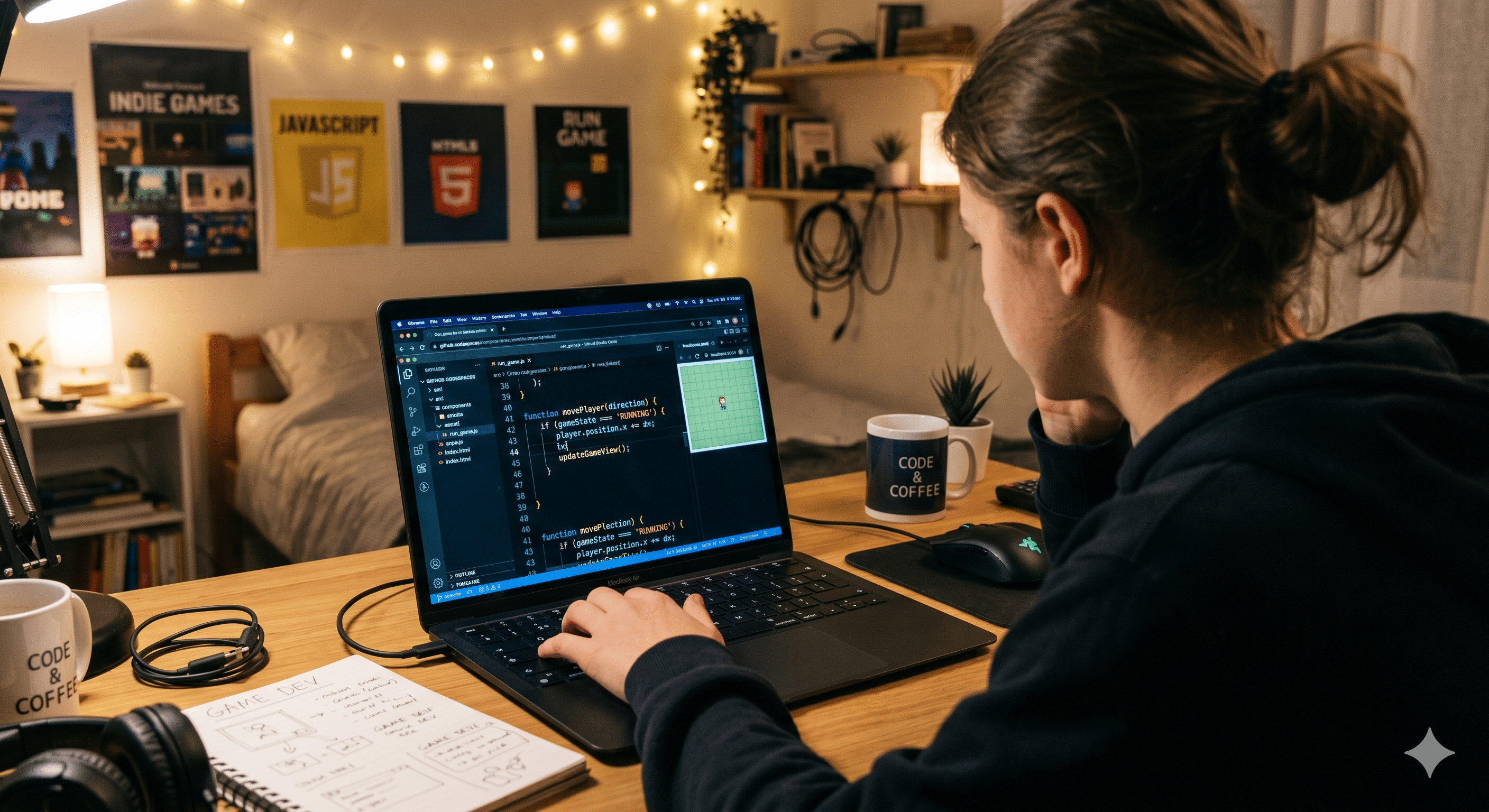
A game that runs in a browser tab — built entirely in HTML, CSS, and JavaScript — is a real project you can share with a link.
Why a Typing Game — and Not Something Else
Typing games are the ideal first JavaScript project for three reasons. First, they use just HTML, CSS, and JavaScript — no frameworks, no libraries, no npm install that takes forty minutes. Second, the core logic is simple enough to understand in Week 2 but complex enough to feel like a real achievement. Third, everyone can immediately play and judge it — including people who have no idea you coded it. A calculator can only impress other coders. A typing game can impress anyone.
You'll use Replit (replit.com) as your coding environment — it runs entirely in your browser, works on school laptops, and doesn't require any downloads. Make a free account and create a new HTML/CSS/JS project. That's your workspace for all 21 days.
Week 1 (Days 1–7): HTML and CSS — Build the Shell
Before any JavaScript, you need something on screen. Days 1 through 3 are HTML only. Build the skeleton of your game: a box where the word will appear, an input field where the player types, a timer display, and a score display. No styling yet. Just the structure. Your game page should have a title, a "word box," an input field, a timer, and a score — five elements. That's it for Day 3.
Days 4 through 7 are CSS. Make it look like something. A dark background works well for typing games — it's easier on the eyes and looks more intentional than white. Center everything on the page. Make the word that appears large and readable. Make the input field wide enough to type comfortably. Add one highlight colour — pick anything from #FFD93D yellow to electric teal — for when the player types the word correctly. By Day 7, your page should look like a real game even though nothing works yet.
Week 2 (Days 8–14): JavaScript — Make It Work
This is the week where most people quit or where everything clicks. Hold on for the first two days — the clicking happens around Day 10 and it's worth waiting for.
Days 8 and 9: word display. Write a JavaScript array with 50 common English words. Write a function called getRandomWord() that picks one randomly and puts it in the word box. Call the function when the page loads. Now every time you refresh the page, a different word appears. That's your first working JavaScript.
Days 10 and 11: input checking. Add an event listener to the input field that fires every time the player types a letter. Compare what's in the input field to the current word. If they match — clear the input, show a new word, and add 1 to the score. Make the word box flash green when correct. This is the moment the game becomes a game. Most people who reach Day 11 finish the project.
Days 12 and 13: the timer. Add a 60-second countdown using setInterval. When the page loads, the timer starts. When it hits zero, the input field stops accepting input, and a final message shows the player's score. Calculate their WPM (words per minute) — it's just the score divided by 1, since each round is 60 seconds. Display it prominently.
Day 14: local high score. Use localStorage to save the player's best WPM to their browser. Show it on the page — "Your best: 47 WPM." This one feature makes players come back. It costs five lines of code.
Week 3 (Days 15–21): Polish and Publish
The game works. Week 3 is about making it worth sharing. Days 15 and 16 are bug-fixing — play your own game for 20 minutes and notice every moment that feels off. Does the timer start before the player is ready? Add a "Press Enter to start" screen. Does the word sometimes repeat? Filter duplicates from your array. Small fixes make a large difference in how professional the final version feels.
Days 17 and 18: add one extra feature you actually want. A word difficulty setting (easy / medium / hard word lists). A two-player mode where two people alternate on the same keyboard. A category selector — English words, Python keywords, Hindi words in English script. One extra feature, well-built, not three half-built ones.
Days 19 and 20: deploy. Push your Replit project to GitHub (Replit has a built-in GitHub sync). Then go to github.io settings and enable GitHub Pages for your repo. Your game is now live at a real URL — something like yourusername.github.io/typing-game. Hosting cost: ₹0. That URL works forever.
Day 21: share it. Post the link anywhere — Instagram story, WhatsApp group, school Discord. "I built this in three weeks — can you beat my 52 WPM?" The competitive angle does the sharing for you.
What you'll actually learn by building this game:
DOM manipulation — changing what appears on screen using JavaScript. Used in every website ever built.
Event listeners — responding to what users do (typing, clicking, pressing Enter). The foundation of interactive web development.
setInterval and timing — making code run repeatedly on a schedule. Used in games, animations, and dashboards.
localStorage — storing small pieces of data in the user's browser between sessions. Used in shopping carts, preferences, and saved states.
These four concepts appear in the job descriptions of every frontend developer hiring in India right now.
Quick Tips
- Build ugly first, pretty later — spending Day 2 choosing fonts when nothing works yet is procrastination with a nicer name.
- When something breaks, read the browser console — press F12 in any browser, go to the Console tab. The error message is almost always specific enough to Google.
- Copy nothing — type everything — even if you find a tutorial online, retype the code rather than paste it. Typing is how your hands learn what your eyes already read.
- GitHub Pages is genuinely free forever — your game URL will work years from now. Put it on your resume. It's a real portfolio piece.
- The hardest day is Day 8 — when you go from CSS (which gives instant visual feedback) to JavaScript (which is invisible until it works). Push through it. Day 10 is when the reward comes.
Open replit.com and create a new HTML/CSS/JS project.
Write your first HTML element on Day 1 — just the word box, nothing else. Seventeen days later you have a live game at a real URL. Twenty-one days later your friends are competing on it. The typing game you build this month is a better JavaScript tutorial than any course you'll pay for.
Every game you've ever played started as code someone wrote for the first time.Comments 0
Keep reading
Similar blogs by topic

Open Source: The Free Thing That Runs the Entire Internet
Your phone, the servers that sent you this page, and every supercomputer on earth run on software volunteers wrote and gave away. Here's how that happened, why it's fragile, and why it's the one industry that will let a sixteen-year-old touch real infrastructure.

I Asked ChatGPT to Do My Internship Search. Here's What It Got Wrong.
It gave me five perfect-sounding internships in ten seconds. Three didn't exist. Here's what AI is actually good for in a job search, and the one part it cannot do for you.

Goku Isn't Talented. That's the Whole Point.
Goku loses constantly, and every time the show cuts to him training. We remember the Super Saiyan moment and delete the montage that earned it — and we do the exact same thing to ourselves.