
Your First Coding Project — Build a Habit Tracker App in 14 Days (Even If You've Never Coded)
Quick take
Build a Python habit tracker app in 14 days using free tools like Replit or VS Code. Learn functions, JSON saving, streak tracking, error handling, and GitHub sharing with a beginner-friendly daily plan.
Explore this topic
Article body
Your First Coding Project — Build a Habit Tracker App in 14 Days (Even If You've Never Coded)
Let me tell you about the moment coding stopped feeling like homework and started feeling like a superpower.
I was sitting in my room, bored after exams, when I realized I had this annoying problem: I kept forgetting to practice guitar. I'd downloaded three habit tracker apps, tried all of them, and somehow still couldn't maintain a streak past Day 5. The apps were too complex. Or too plain. Or they tracked things I didn't care about.
Then it hit me — why not just build the exact one I wanted?
I'd been learning Python for about three weeks. I didn't feel ready. I was scared of messing it up. I built it anyway, over two weeks, in stolen 30-minute sessions between studying. It was ugly. It worked. And the moment I ran it and it actually tracked my guitar streak — I felt something I hadn't expected to feel about coding: pride.
This is that project. Your version of it. Built in 14 days, from zero experience, using nothing but free tools and the code I'm going to walk you through.
What You're Actually Building
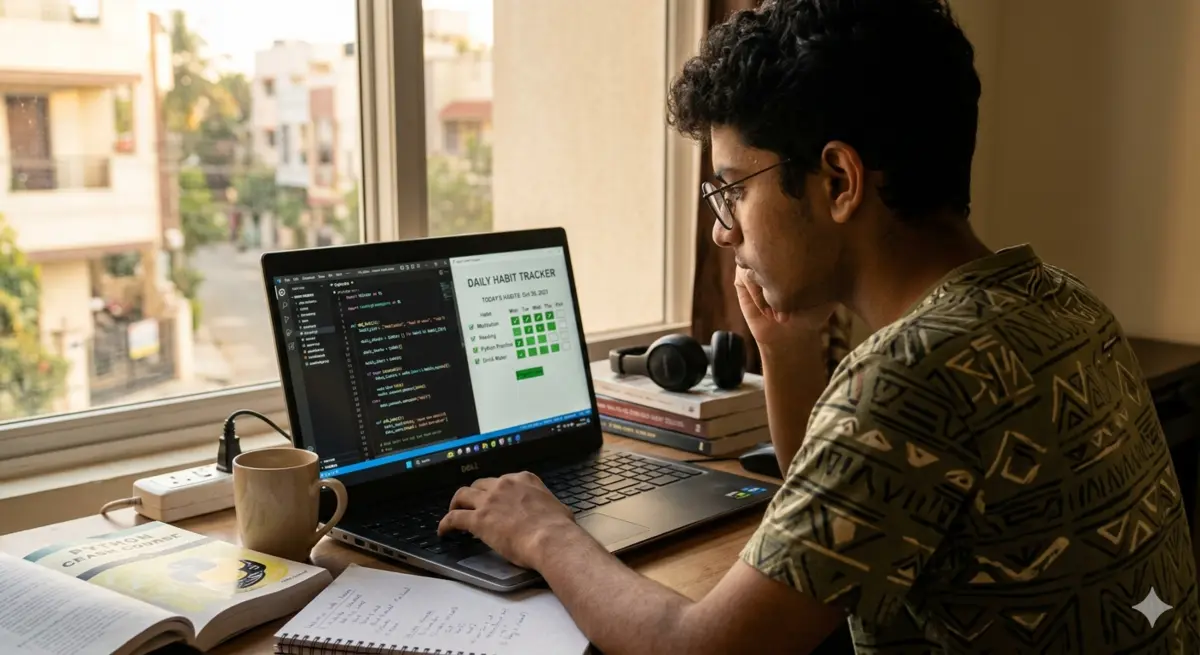
By Day 14: your name, your habits, your streak — built by you.
Your habit tracker will do exactly these 5 things:
Add habits — "Guitar practice", "Morning run", "Read 10 pages" — whatever you want to track
Check off habits daily — mark each one done or not done for today
Show your current streak — how many consecutive days you've kept up each habit
Save your data — close the app and reopen it; your streaks are still there
View your history — see your completion rate for each habit over the past week
That's a genuinely functional, personally useful application. Not a tutorial exercise. Something you'll actually open every morning.
What you need (cost: ₹0): A device with a browser. Go to replit.com — create a free account, click "Create Repl", choose Python. Your entire coding environment is now in the browser. No installation, no setup, works on any laptop or Chromebook.
If you already have Python installed locally from the 30-day Python plan — use VS Code. Either works.
You don't need to know Python to start this. You need to be willing to type things, run them, see what happens, and not panic when something breaks. That's it. Phase 1 is about getting comfortable with the basic building blocks before we assemble them into something real.
Set up + print your first thing
Open Replit. Create a new Python Repl called "HabitTracker". Type one line. Run it. Welcome to coding.
Variables and lists — storing your habits
You'll store habit names in a list. Learn what a list is and how to add things to it. Build a list of 3 habits you actually want to track.
User input — making it interactive
Your app needs to talk to you. Learn how to take input from the keyboard and store it. Build a mini version that asks your name and greets you.
If/else decisions — the app's first brain
When you type "yes" did you complete a habit? When you type "no" you didn't. Build the logic that responds differently to different inputs.
print("Let's build something useful.")
print("Starting Day 1 of 14.")
Why we start here: Every app you've ever used — Instagram, Spotify, TeenIcon — started with someone running 3 lines and seeing output on a screen. The complexity comes later. The beginning is always this simple.
This is where the real app starts taking shape. By the end of Day 8 you'll have something that actually tracks habits in a session — you can add habits, mark them done, and see a simple summary. It won't save between sessions yet. That comes in Phase 3. But this is the moment it stops being an exercise and starts being a real thing.
Functions — organising your code
Instead of writing the same code repeatedly, you write a function once and call it. Write 3 functions: one to show all habits, one to add a new habit, one to mark a habit done.
The main menu — your app's front door
Build a loop that keeps showing options: "1. View habits. 2. Add habit. 3. Mark done. 4. Exit." The app waits for you to choose. This is what makes it feel like an actual app.
Tracking completion — yes or no per habit
For each habit, store whether it was done today. Display each habit with a ✓ or ✗. This is the core of your whole app.
Milestone: run your working tracker
Add 3 habits. Mark 2 of them done. View the summary. It works. You built a working habit tracker. It doesn't save yet — that's next week. But it works.
print("\n--- HABIT TRACKER ---")
print("1. View my habits")
print("2. Add a new habit")
print("3. Mark habit as done")
print("4. Exit")
while True:
show_menu()
choice = input("Choose (1-4): ")
if choice == "4":
break
Right now your app forgets everything when you close it. That's useless for a habit tracker. Phase 3 fixes this — your data persists, your streaks count up, and the app actually becomes something you'd use every morning. These three days are the hardest in the project. They're also the ones where it becomes real.
Saving data to a file
When you exit the app, it writes all your habit data to a file called habits.json. JSON is just a way of storing structured data — think of it as a very organised text file.
Loading data when the app opens
When you run the app, it reads habits.json and loads your previous habits and history. Close and reopen. Your habits are still there. This is the moment everything changes.
Streak counting
For each habit, count how many consecutive days it's been marked done. Display it next to the habit name: "Guitar practice — 🔥 5 day streak". This is the feature that makes you care.
def save_habits(habits):
with open("habits.json", "w") as f:
json.dump(habits, f)
def load_habits():
try:
with open("habits.json", "r") as f:
return json.load(f)
except:
return [] # no file yet, start fresh
What JSON actually is: JSON stands for JavaScript Object Notation. Don't worry about the name. It's just a way of writing data that both Python and humans can read. Your habits.json file will look something like: {"name": "Guitar", "streak": 5, "history": [true, true, false, true, true]}. That's it. Python can read that and write that in two lines.
You have a working, saving, streak-tracking habit app. Now you make it something you'd actually want to show someone. Three days of polish — a better display, error handling so it never crashes, and the moment you put it on GitHub and share the link.
Better display + weekly summary
Show a weekly completion rate per habit ("Guitar: 5/7 days this week — 71%"). Add a total score at the bottom. Use emojis in the output — 🔥 for streaks, ✓ for done, ✗ for missed.
Error handling — make it unbreakable
What if someone types "abc" when you expect a number? Wrap your inputs in try/except. Test every way you can break your own app. Fix each one. This is called QA testing. It's a real job.
Upload to GitHub — share the link
Create a free GitHub account. Upload your project. Write 3 sentences explaining what it does. Share the link on TeenIcon or your class group. You're a developer now.
print("\n📋 YOUR HABITS TODAY\n")
for h in habits:
streak = h["streak"]
icon = "🔥" if streak >= 3 else "📌"
print(f" {icon} {h['name']} — {streak} day streak")
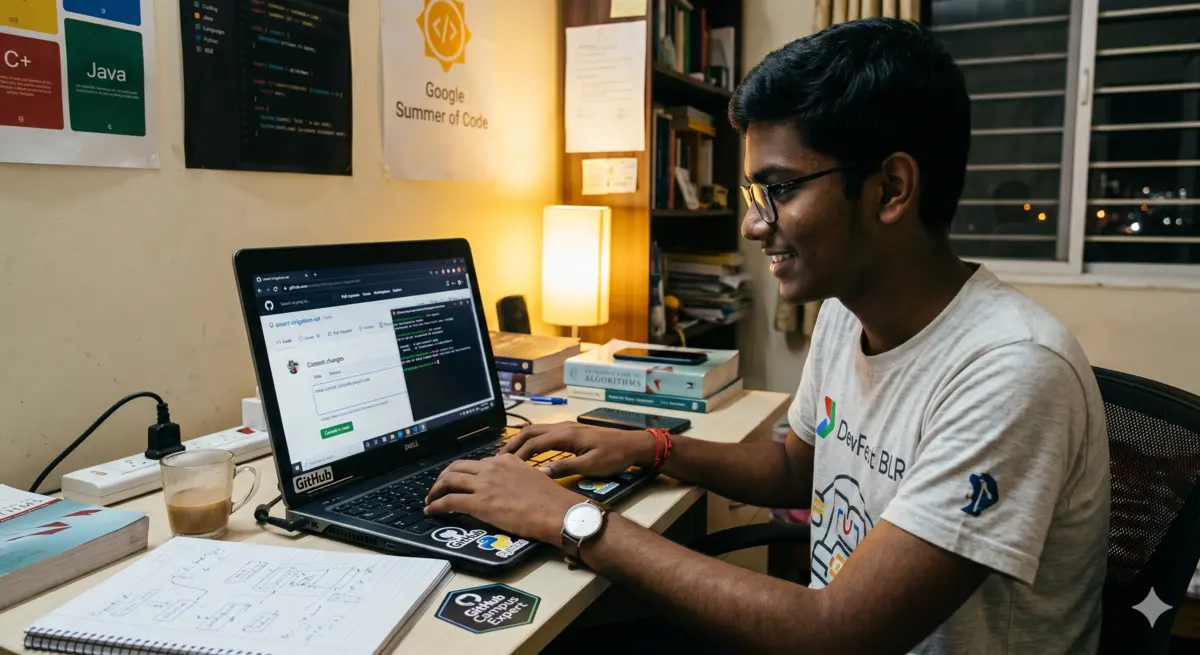
Day 14: the GitHub link exists. You can send it to anyone. That's your proof.
The Complete App — What It Looks Like Running
📋 YOUR HABITS TODAY
🔥 Guitar practice — 7 day streak
🔥 Morning run — 4 day streak
📌 Read 10 pages — 1 day streak
--- MENU ---
1. Mark habits done today
2. Add new habit
3. View weekly summary
4. Exit
Choose (1-4):
That's your app. Your habits. Your streaks. Built by you, in two weeks, in 30-minute sessions. It runs from a terminal — no buttons, no design. But the logic underneath it is real software engineering: data persistence, error handling, user interaction, streak computation. Everything an actual developer would build.
What You've Actually Learned by Doing This
Most people don't realise that building a project teaches you more than any tutorial. Here's what you've quietly learned across 14 days:
- Variables and data types — storing names, numbers, booleans (true/false), lists of habits
- Functions — breaking the app into reusable chunks, each doing one clear job
- Loops — the menu keeps running until you choose exit; habits keep cycling through
- File handling — reading and writing JSON so data survives between sessions
- Error handling — try/except so bad inputs don't crash the whole thing
- Logic and conditions — if streak ≥ 3, show fire emoji; if done, mark ✓
- Project structure — organising code so it makes sense to someone who didn't write it
- GitHub — uploading, sharing, having a public portfolio piece
That's not beginner knowledge. That's the actual toolkit junior developers use in real jobs. You didn't learn it through a course. You learned it because you needed it to make something work.
Here's what I want you to understand: this project is not the goal. This project is the proof that you can do the next project.
Every developer alive has a "first real thing I built" story. This is yours. A habit tracker you made because you wanted to track your own habits. Built in two weeks. In whatever time you could find between school and life.
The next one will take half the time. And the one after that, you'll be googling solutions instead of asking for them — which is exactly how every working developer actually operates.
You're not learning to code. You've already coded. The tense has changed.
Open Replit. Create a new Python project. Name it HabitTracker.
That's literally all it takes to start Day 1. The whole project is 14 days of 30-minute sessions — less than 7 hours total. Share your GitHub link on TeenIcon when you're done. We want to see what you built.
Log your build streak alongside your habit streak. Let both run to 14.Comments 0
Keep reading
Similar blogs by topic

I Thought My English Was Fine Until I Sat a Full IELTS Mock Test
IELTS isn't an English test the way school taught you English — it's a test of doing specific things under a clock. Here's the format, the real costs, and an 8-week plan that actually works for Indian teens.

The 5 Platforms Where Indian Teens Are Actually Learning Real Skills in 2026 — Ranked Honestly
An honest ranked list of the 5 best free skill-learning platforms for Indian teens in 2026, including TeenIcon, Khan Academy, freeCodeCamp, and more.

Video Editing Is the Teen Skill Everyone Suddenly Needs — Here’s the 30-Day Free Plan
A practical 30-day guide for Indian teens to learn video editing, build a portfolio, find clients, and make their first ₹10,000 with free tools.