
Learn Python in 30 Days With 30 Minutes a Day — The Indian Teen's Streak-Based Coding Plan
Quick take
Learn Python in 30 days with a free 30-minute daily plan for Indian teens. Build beginner coding skills, mini projects, and a GitHub-ready portfolio step by step.
Explore this topic
Article body
Learn Python in 30 Days With 30 Minutes a Day — The Indian Teen's Streak-Based Coding Plan
Here's the thing about learning to code that nobody tells you upfront: the first program you write will be embarrassingly simple. It'll print one sentence to a screen. It'll do absolutely nothing useful. And you'll feel this weird, disproportionate rush of excitement anyway — because you made a computer do something.
That feeling is real. And if you let it, it'll carry you through thirty days.
I started learning Python during the summer between Class 10 and 11, armed with exactly one resource (a YouTube playlist), one motivation (I wanted to build something that wasn't an Excel sheet), and approximately zero knowledge of what a variable was. Thirty days later I'd built a basic quiz game, a simple calculator, and something I genuinely wanted to show people. Not because it was impressive. Because I made it.
This plan is built for Indian teens — school hours, no paid courses, whatever laptop or even phone you have. Thirty minutes a day. Thirty days. Here's exactly what to do on each one.
Why Python, and Why 30 Minutes
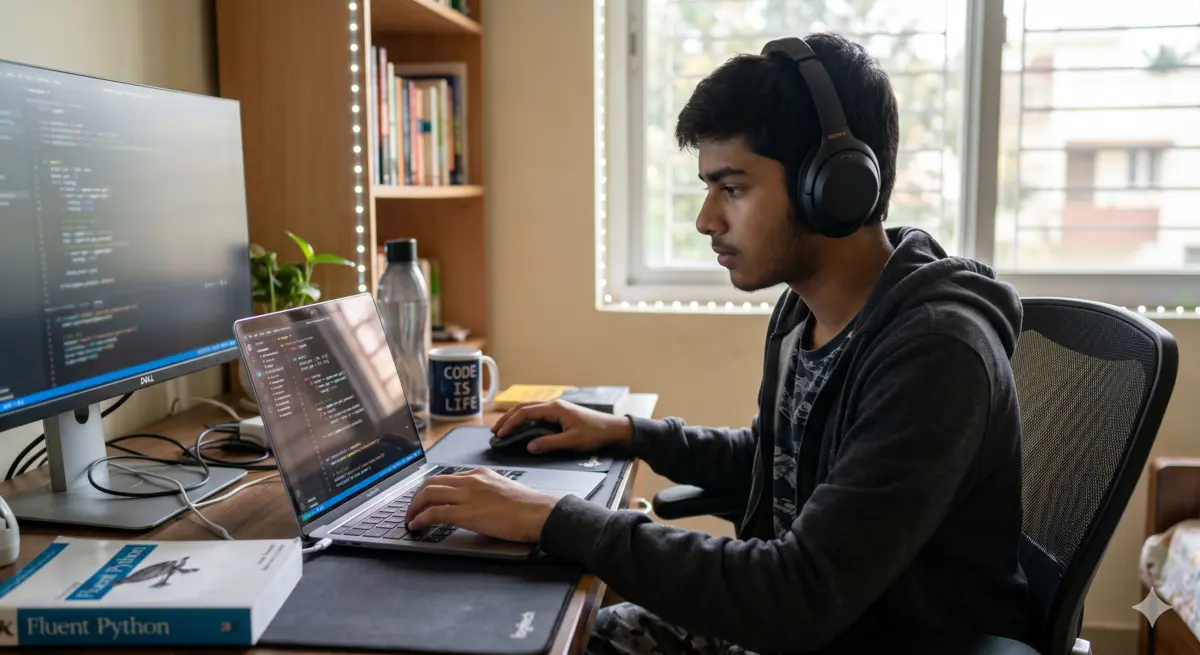
Python reads almost like English. That's not an accident — it's why it's the best first language.
Python is the right first language for three specific reasons. It reads almost like English, so you spend less energy fighting the syntax and more energy understanding what's actually happening. It's the language behind AI, data science, automation, and most tech careers right now — so you're learning something that genuinely matters in 2026. And every useful resource for learning it is free.
Thirty minutes is the right amount because it's short enough to do every day without burning out, and long enough to make real progress. Ninety-minute sessions sound dedicated but they're not sustainable during the school term. Thirty minutes every day for a month will get you further than a weekend-only marathon where you forget everything by Tuesday.
What you need (cost: ₹0):
A device that opens a browser — phone, laptop, school computer, anything. Go to replit.com or programiz.com/python/online-compiler and you can write and run Python in the browser itself. No installation. No setup. Open it, type, run.
If you have a laptop and want to install Python locally: download from python.org (free), use VS Code as your editor (free). Optional — the browser version is completely sufficient for this entire plan.
The goal of Week 1 is to make Python feel less foreign. By Day 7, you should be able to read simple code and understand roughly what it's doing. You won't be writing it fluently yet — but you'll stop feeling like you're looking at a different language entirely.
Print statements + your first program
Write: print("My name is [your name]"). Run it. Then write 5 more print statements about yourself. That's it. Welcome to Python.
Variables — storing information
name = "Arjun". age = 16. What's a variable? A box that holds a value. Spend 30 minutes making variables for everything in your room.
User input — making programs interactive
input() lets the user type something. Store it in a variable. Print it back. Build a basic "What's your name? Hello, [name]!" program.
If / elif / else — decisions
If age > 18: print("adult"). Else: print("teen"). This is where the program starts making choices. Build an age checker.
Loops — doing things repeatedly
for i in range(10): print(i). While loops. Make Python count from 1 to 100. Then make it say "Buzz" every time it hits a multiple of 5.
Mini project: Number guessing game
Python picks a random number 1-10. User guesses. It says higher / lower / correct. Uses everything from Days 1-5. Build it — don't copy it.
Review day — no new concepts
Go back to Day 1-6 code. Can you read it without help? Can you explain what each line does? If not, that's what today fixes.
secret = random.randint(1, 10)
guess = int(input("Guess a number (1-10): "))
if guess == secret:
print("You got it! 🎉")
elif guess < secret:
print("Too low. Try again.")
else:
print("Too high. Try again.")
Week 2 is where Python starts feeling like an actual tool instead of a puzzle. Lists and functions are the building blocks of every real program you'll ever write. This is also the week most beginners quietly give up — because it stops feeling like magic and starts feeling like work. That's the signal to stay, not leave.
Lists — storing multiple things
subjects = ["Maths", "Physics", "English"]. Access items. Add items. Remove items. Build a list of your 10 favourite anime — then print them numbered.
Looping through lists
for subject in subjects: print(subject). Combine lists and loops — print every item with its position number. Understand why this is more useful than 10 separate print statements.
Functions — reusable blocks of code
def greet(name): print("Hello", name). Functions stop you from writing the same code repeatedly. Build 3 simple functions: one that greets, one that squares a number, one that checks if a word is short or long.
Return values — functions that give back answers
def add(a, b): return a + b. The function hands you a result you can use elsewhere. Build a simple calculator using 4 functions: add, subtract, multiply, divide.
Dictionaries — labelled storage
student = {"name": "Priya", "marks": 87, "subject": "Maths"}. Dictionaries store pairs: a key and a value. Like a contact card in code. Build a student record.
Mini project: Simple quiz game
5 questions stored in a list. Program asks each one, user types the answer, program scores it. Uses lists, loops, and functions together for the first time.
Review — explain your quiz to a friend
Teach someone (or a rubber duck) how your Day 13 quiz works line by line. If you can explain it, you actually understand it.
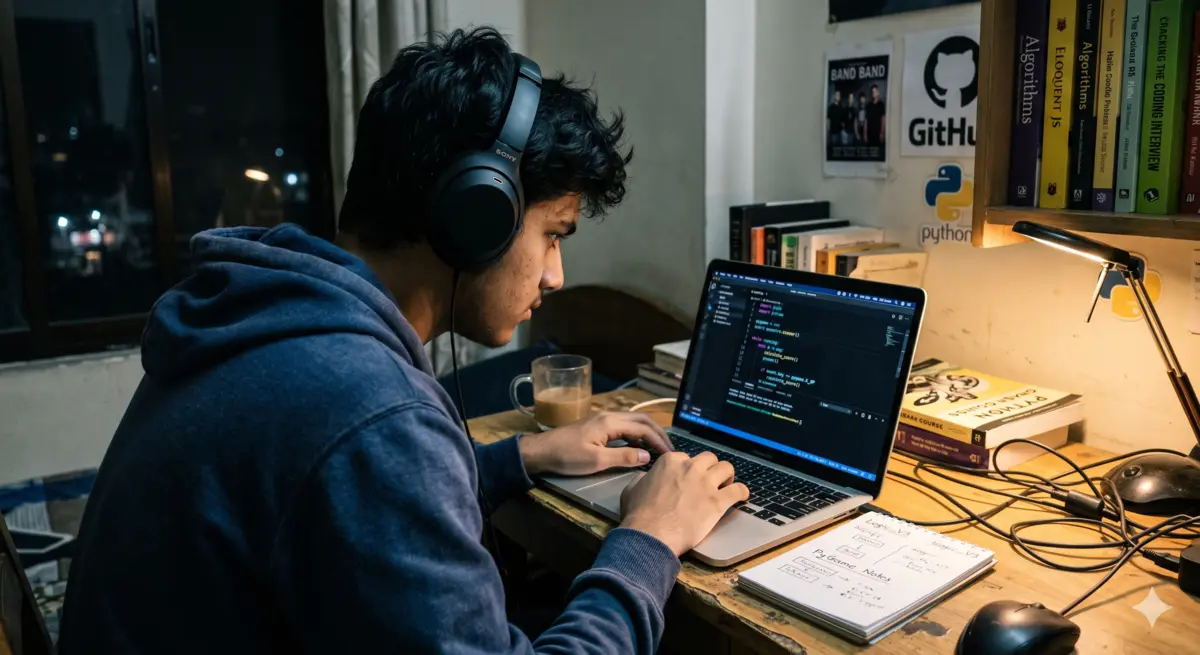
Week 2 is the hardest week. It's also where you become someone who can code.
This week you graduate from toy programs to things that actually work and save. You'll learn how to store data in files, handle errors without crashing, and work with Python's built-in libraries. By the end of Day 21, you'll have built something that could realistically be used by someone else.
String methods — working with text
.upper(), .lower(), .replace(), .split(). Spend 30 minutes building a word-scrambler that jumbles user input. Silly but useful for understanding string manipulation.
Try / except — handling errors gracefully
What happens when a user types "abc" where you expected a number? The program crashes. try/except catches that. Build a calculator that never crashes, no matter what the user types.
Reading and writing files
open("diary.txt", "w"). Write something to a text file. Close it. Open it again and read it back. Your program is now leaving things behind after it runs.
Python modules — using other people's tools
import random. import datetime. import math. Python comes with hundreds of modules that do complex things in one line. Spend today exploring 3 of them.
List comprehensions — shorter, smarter loops
[x*2 for x in range(10)] instead of a 4-line loop. Looks confusing at first. Write 5 examples. By the fifth one it'll click.
Mini project: Personal diary app
User types an entry. Program saves it to a text file with today's date. User can read previous entries. Uses files, datetime, string methods. This one is actually useful.
Halfway celebration + review
Look at your Day 1 code. Look at your Day 20 project. That gap is real. Rest today — but also feel it.
def save_entry(text):
date = datetime.date.today()
with open("diary.txt", "a") as f:
f.write(f"\n[{date}] {text}\n")
entry = input("What happened today? ")
save_entry(entry)
print("Saved. ✓")
This week you build one complete project from scratch — no tutorial, no hand-holding — and share it. The project doesn't need to be complicated. It needs to be yours. The final three days are for polishing, writing a README, and putting it somewhere people can see it.
Choose your final project — and plan it
Pick one: a habit tracker, a cricket score calculator, a vocabulary quiz for any subject, a password generator, a to-do list app. Write the plan in plain English before touching code.
Build: core functionality
Get the main thing working first. Don't worry about it being pretty. Get it functional. Break it intentionally — make sure it handles wrong inputs.
Build: save and load data
Add file-saving so the data persists after the program closes. A habit tracker that forgets your habits is useless. Fix that today.
Build: improve the experience
Add a simple menu ("1. Add task. 2. View tasks. 3. Exit."). Make it feel like a program a non-coder could use without instructions.
Bug hunt + error handling
Give your program to someone who'll try to break it. They will. Fix the crashes. Add try/except where needed. This is called testing. It's real software development.
Upload to GitHub or share as a Replit link
github.com — free account. Create a repository. Upload your files. This is now a public portfolio piece. The URL is yours to share forever.
Write a README
What does your project do? How do you run it? What did you learn building it? Two paragraphs. This is the difference between a project that impresses people and one that doesn't.
Share it — with proof you built it
Post your GitHub/Replit link on TeenIcon, your class group, or Instagram. Record a 60-second screen demo. This is the moment the streak turns into something visible.
Decide what you're learning next
Web dev with Flask? Data analysis with Pandas? Game dev with Pygame? You now have a base. What you build on it is up to you.
The Free Resources That Actually Work
YouTube · Hindi
CodeWithHarry — Python Tutorial
Full Python in Hindi. Best structured beginner playlist for Indian learners. Free, long-form, clear.
Website · English
Programiz.com
Browser-based Python editor + explanations. Zero setup. The fastest way to write your first program.
Platform · English
CS50P (Harvard) — edX
Harvard's free Python course. Harder than this plan's pace — save it for after Day 30 as your next step.
Practice · English
HackerRank Python
Daily coding challenges. Starts easy, gets harder. Use from Day 15 onward when you want extra problems.
Your Streak Tracker — Log These Every Week
Daily streak: Mark off each day you hit 30 minutes. Screenshot your streak on TeenIcon at Day 7, 14, 21, and 30.
Project count: You'll complete 3 mini projects (Days 6, 13, 20) plus 1 main project (Days 22-29). Four projects in 30 days is a real portfolio.
Lines of code written: Count your Day 1 total (probably 5 lines). Count your Day 30 total (probably 80-150 lines). That's your progress in numbers.
One concept that finally clicked: Write it down each week. "I finally understood why functions use return instead of just print." These moments are the real progress markers.
GitHub link on Day 27: This is your external proof. Share it in your TeenIcon pod. Share it anywhere. It's yours now.
What You'll Have at the End
| What you'll have | Why it matters |
|---|---|
| 3 mini projects + 1 main project | A real portfolio you can show anyone |
| A GitHub profile with actual code | Colleges and internships ask for this |
| Comfort with loops, functions, files, errors | The foundation every Python path builds on |
| A 30-day streak on your record | Proof to yourself that you can learn anything systematically |
| A clear "what next" direction | Flask, Pandas, Pygame — you'll know which one excites you |
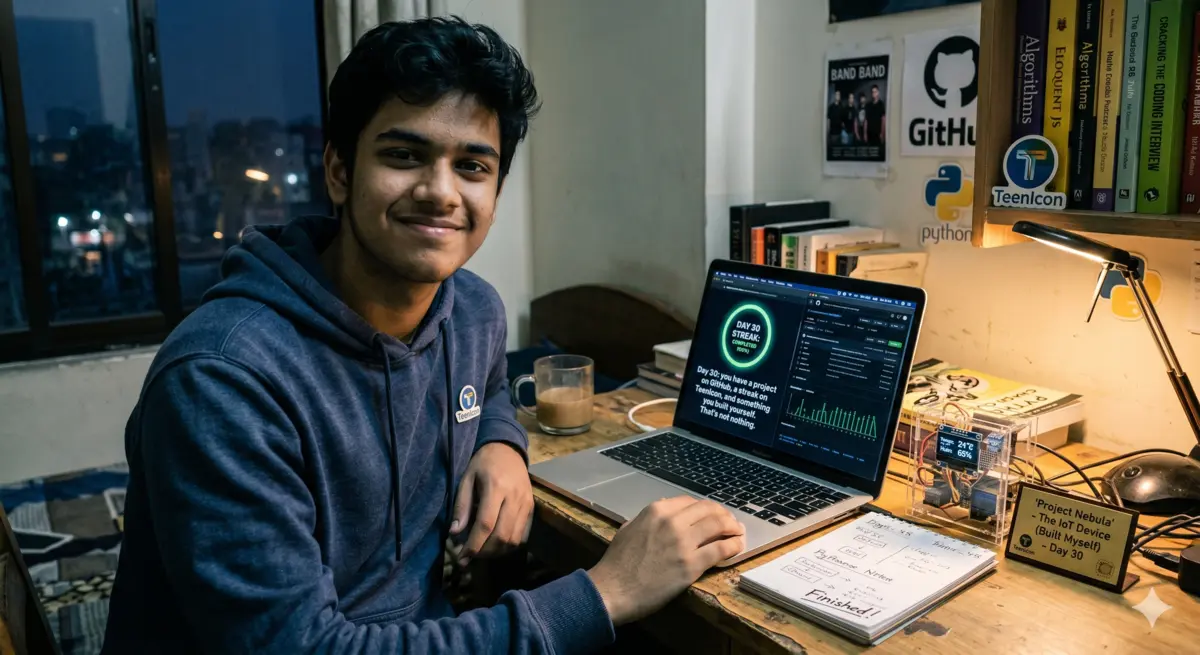
Day 30: you have a project on GitHub, a streak on TeenIcon, and something you built yourself. That's not nothing.
The honest part: there will be a day — probably around Day 11 or Day 18 — where you open your code and it doesn't run and you have no idea why and you spend 20 minutes staring at it and it's a missing colon. A single colon. That error message will read: SyntaxError: expected ':'.
Every programmer alive has had this exact moment. The gap between beginners and people who stick with coding is not talent. It's whether you close the laptop or find the colon.
Find the colon. Run it again. Move to the next day.
By Day 30 you'll have found a hundred colons. You'll also have built something real. Both things are equally true, and both of them are yours.
Start Day 1 right now — the browser is already open.
Go to programiz.com/python/online-compiler. Type print("I started Day 1"). Hit Run. Log your streak on TeenIcon. Join a pod with anyone else doing this challenge — accountability at Day 9 is what separates finishers from quitters.
Comments 0
Keep reading
Similar blogs by topic

I Thought My English Was Fine Until I Sat a Full IELTS Mock Test
IELTS isn't an English test the way school taught you English — it's a test of doing specific things under a clock. Here's the format, the real costs, and an 8-week plan that actually works for Indian teens.

The 5 Platforms Where Indian Teens Are Actually Learning Real Skills in 2026 — Ranked Honestly
An honest ranked list of the 5 best free skill-learning platforms for Indian teens in 2026, including TeenIcon, Khan Academy, freeCodeCamp, and more.

Video Editing Is the Teen Skill Everyone Suddenly Needs — Here’s the 30-Day Free Plan
A practical 30-day guide for Indian teens to learn video editing, build a portfolio, find clients, and make their first ₹10,000 with free tools.