
Build a Working App in a Weekend with Vibe Coding
Quick take
Build a real app in one weekend with vibe coding using Lovable, Bolt, or Cursor. Describe it in chat, fix it fast, and ship without tutorials.
Explore this topic
Article body
I Built a Full Working App in One Weekend Using Only Chat — No Tutorials, No Code Knowledge. This Is Vibe Coding.
Saturday morning I had an idea for an app. Nothing groundbreaking — a shared study tracker where my friend group could mark which chapters we'd covered before the Physics unit test, so we'd stop texting each other "bhai tune thermodynamics kiya?" at 11 PM and getting five different answers. I had this idea in Class 11 and never built it because I didn't know how to code. On Saturday I decided to try building it without learning to code at all — using nothing but conversation. By Sunday evening it was live, my friends were using it, and I hadn't watched a single tutorial.
That's vibe coding. Not a course. Not a skill you develop over months. A fundamentally different relationship with building things, where you describe what you want and an AI writes the code while you steer. Here's exactly how the weekend went.
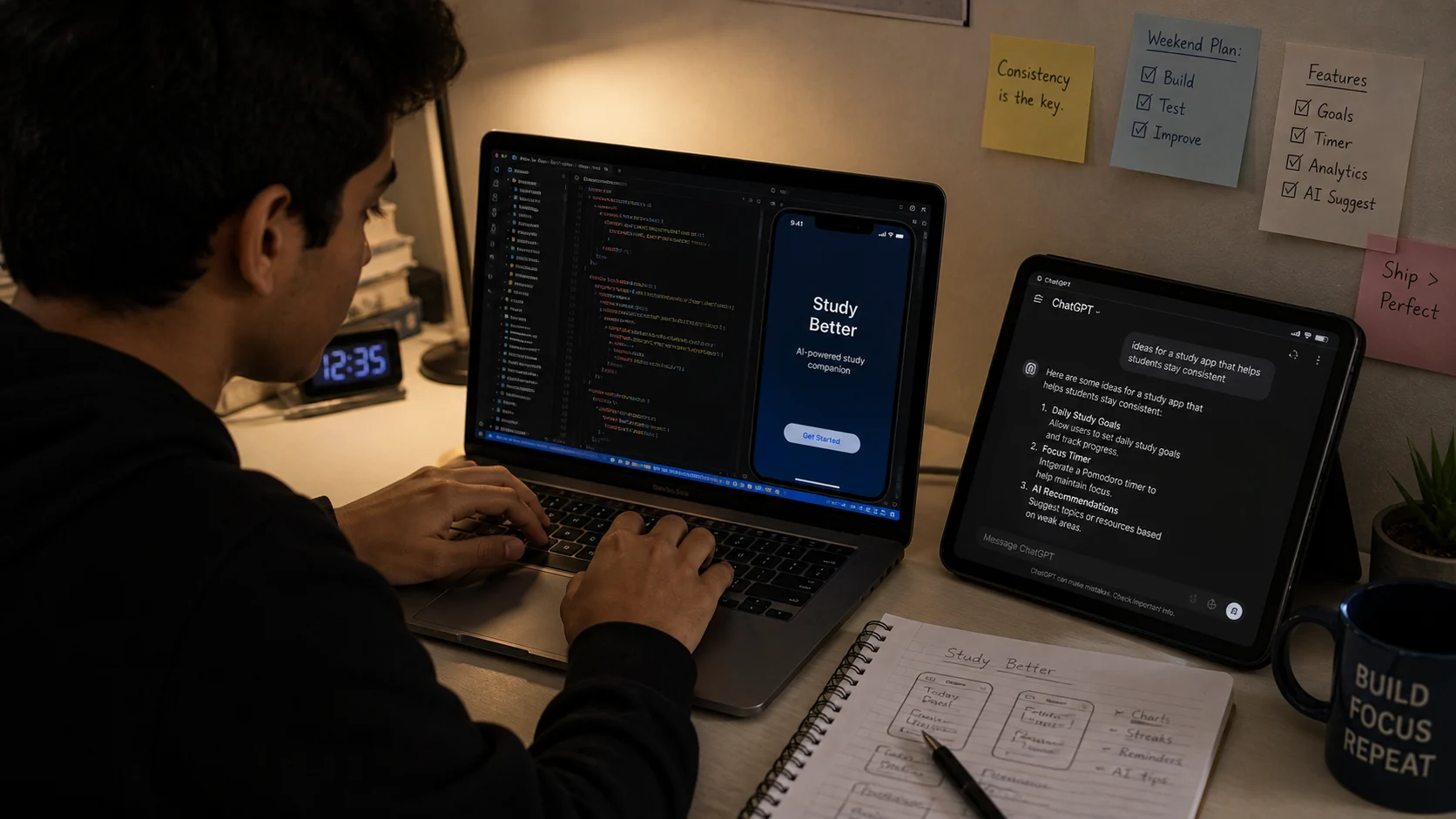
Saturday morning idea to Sunday evening live app — the vibe coding timeline that's becoming normal in 2026.
What Vibe Coding Actually Is
The term was coined in early 2025 and spread fast because it named something that had quietly become possible: you describe what you want to build in plain language, an AI writes the actual code, and you guide it by testing what it produces, telling it what's wrong, and asking for changes — like a non-technical founder working with a developer, except the developer is free, infinitely patient, and available on a Sunday afternoon in Bengaluru.
The tools that make this work in 2026 are Lovable (lovable.dev), Bolt.new, and Cursor. Lovable and Bolt are the most beginner-friendly — you describe your app idea in a chat box, and they generate a full working app that runs in the browser. No terminal. No npm install. No "why isn't this working" for four hours. Cursor is more powerful but requires a bit more technical comfort. For a first weekend project, Lovable is where you start.
Day 1 — Saturday: Describe, Generate, Break, Fix
I opened Lovable, made a free account, and typed my first prompt into the chat box. Not a technical spec — just a plain description: "Build a simple web app where a group of friends can track which chapters they've studied for an exam. Each person can tick off chapters, and everyone can see everyone else's progress in real time." I pressed Enter. Forty seconds later there was a working app on my screen. It had a chapter list, checkboxes, names, a progress bar. It wasn't pretty. Several things were wrong. But it existed, which forty seconds earlier it hadn't.
The next three hours were a conversation. "Make the chapter list editable so we can add our own subjects." Done. "The progress bar doesn't show the right percentage." Fixed. "Add a simple login so each person has their own name." Done, with a note that it was using a simple approach without a database — I'd need to upgrade later for persistence. Each time I described a problem or a change in plain English, Lovable rewrote the relevant code and showed me the result. I was not reading code. I was reading outputs — what the app looked like and whether it did what I wanted.
By Saturday evening the app worked. Not perfectly — the UI was basic, the real-time updates needed a page refresh, and I hadn't figured out how to share a link yet. But it worked as a thing that did what I'd described in the morning.
Day 2 — Sunday: Polish, Share, and Understand What You Built
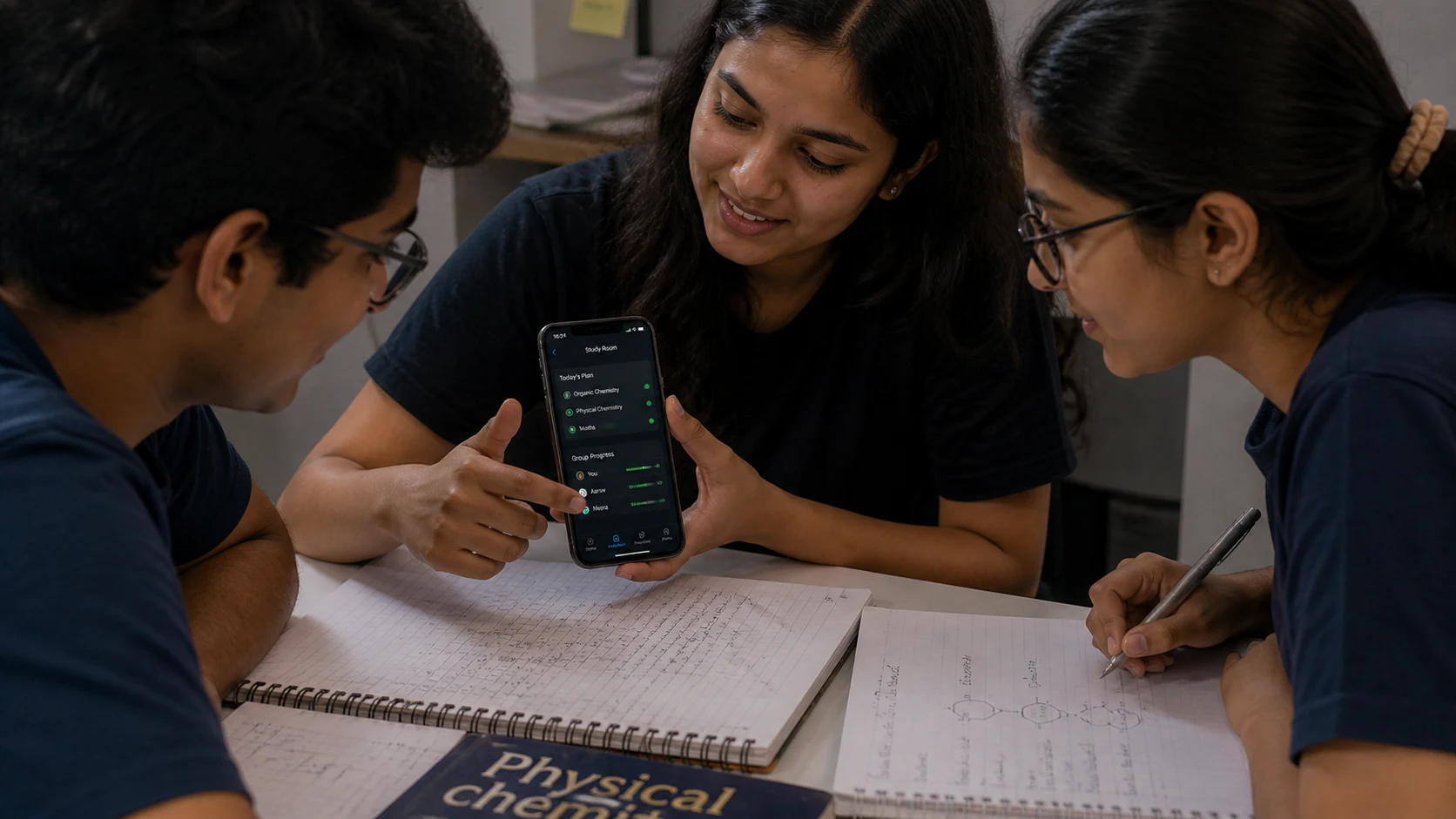
By Sunday evening, three friends were using the app. Nothing had existed 48 hours earlier.
Sunday was polish and deployment. I asked Lovable to improve the design — "make it cleaner, use a dark background with teal accents, make the chapter names larger and easier to tap on phone." I asked it to add a simple motivational message at the top that changed based on completion percentage — "14% done, long way to go" at the start, "Almost there, one last push" near the end. Small things, but they made the app feel like it had a personality rather than being a prototype.
The deployment part was easier than expected — Lovable generates a shareable URL automatically from inside the app. I shared it in the group chat with: "I built this, try it." My friends asked who made it. That specific moment — being the person who made something rather than the person who wanted it made — is the one I keep thinking about.
The most important thing I did on Sunday was spend one hour asking Lovable to explain the code it had written. Not to learn to code — but to understand enough that I could make intelligent decisions about what to ask for next. "What's the part of the code that handles when someone checks a box? Explain it in plain English." Understanding the shape of your own project — even without reading every line — is the skill that separates vibe coders who build things that last from ones who build things that break and can't be fixed.
The three tools — free tiers compared:
Lovable (lovable.dev) — Best for absolute beginners. Chat interface, instant visual output, one-click deploy. Free tier gives you 5 projects. Best starting point for your first weekend build.
Bolt.new — Similar to Lovable with slightly more technical flexibility. Free tier. Better for teens who've done a bit of HTML/CSS before. Excellent for React-based apps.
Cursor (cursor.com) — AI-powered code editor (like VS Code with superpowers). Free tier. Requires more comfort with code concepts. Best for your second or third project once you understand the basics of how apps are structured.
All three work on any laptop or Chromebook. None require installation on Lovable and Bolt — they run in the browser.
Quick Tips for Your First Vibe Coding Weekend
- Start with one sentence that describes the core job — not the full feature list. "A place where my friends and I can track what chapters we've studied" is a better first prompt than a paragraph of requirements. Add complexity after the first version exists.
- Test on your phone as you go — most apps are used on mobile. What looks fine on a laptop often breaks on a small screen. Ask Lovable to "make it work better on mobile" after every major change.
- Name your problems precisely — "it doesn't work" gets a worse response than "when I click the chapter name, nothing happens — the checkbox doesn't appear." The more specific your problem description, the better the fix.
- Share with one person before you're done — their confusion at the points you thought were obvious is your most valuable design feedback. Don't wait until it's "ready."
- Free tier limits are real but manageable — Lovable's free tier gives 5 projects and limited AI messages per day. Build your MVP in one focused session before you run out of messages.
Open lovable.dev this Saturday morning and type one sentence.
Describe the app you've been wishing existed. The one you have opinions about. The one your friend group actually needs. You don't need to know what a database is or what React means. You need one Saturday, one sentence, and a willingness to keep the conversation going until the thing on screen matches the thing in your head.
The gap between "I wish someone would build this" and "I built this" is now one weekend long.Comments 0
Keep reading
Similar blogs by topic

Video Editing Is the Teen Skill Everyone Suddenly Needs — Here’s the 30-Day Free Plan
A practical 30-day guide for Indian teens to learn video editing, build a portfolio, find clients, and make their first ₹10,000 with free tools.

How I’d Make My First ₹10,000 Online With Free AI Tools If I Were 16 Again
A realistic first-income guide for Indian teens, showing how to earn your first ₹10,000 online with AI-assisted caption writing, free tools, and simple client outreach.